Veyla Studios
Our apps

Everything we make

Each one takes a pile of things you already own and makes them easier to live with. They run on your device, they keep working offline, and none of them need an account to be useful.

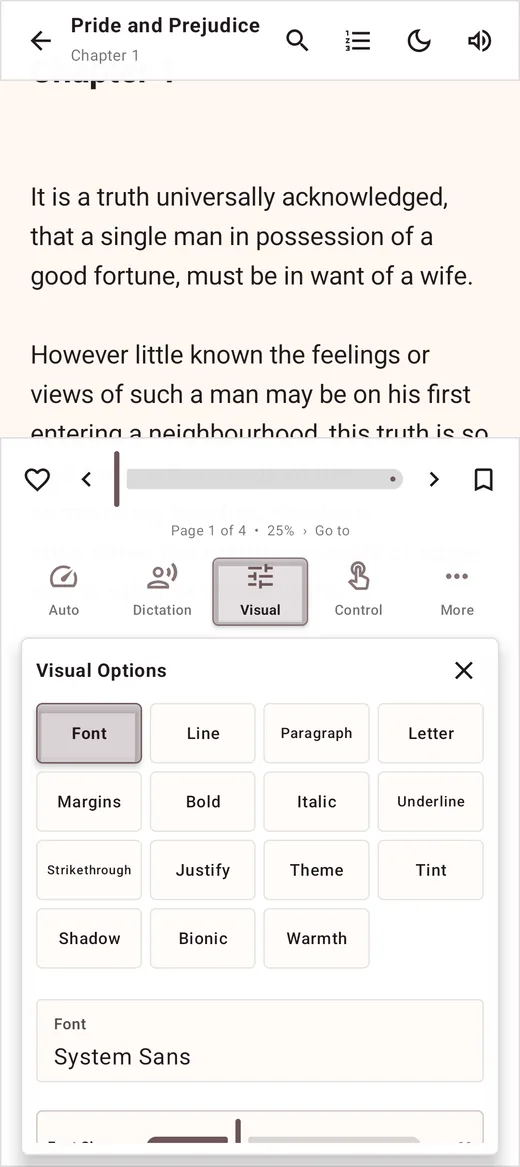
Novellaire app icon

Novellaire

Launching soon

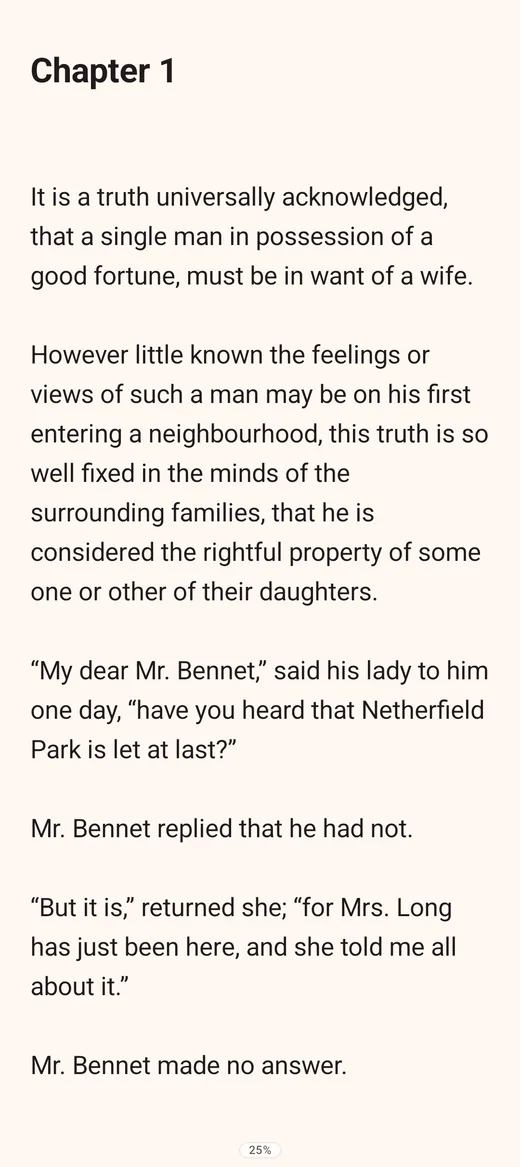
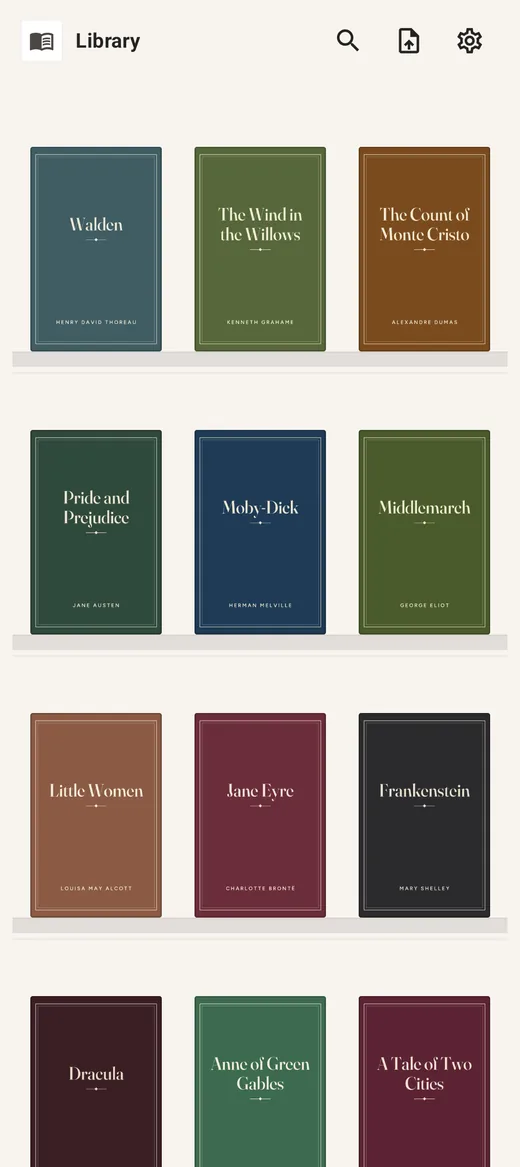
A reader and a workshop for your library

Novellaire opens the books you already have, then gives you the tools to make them readable. A proper reading experience first: paged or continuous, your fonts, your spacing, your colours, bookmarks and highlights that survive a restart. Behind that sits a studio for fixing the messy files nobody else will touch, with an editor, a cleaner for broken characters, and tools for covers, chapters and metadata.

  • Paged and continuous reading modes
  • Sixteen reader themes and six bundled fonts
  • Read aloud with adjustable voice and speed
  • Offline dictionary, tap a word to define it
  • Highlights, bookmarks and contents that stick
  • Collections, favourites and a reviews board
  • Editor with search, replace and word tools
  • Cleaner for hidden and broken characters
  • Cover, chapter, contents and metadata tools
  • Publish straight to a WordPress site
Android Windows Free to read, no account
Foliover app icon

Foliover

In development

Notes that belong to you, not to a platform

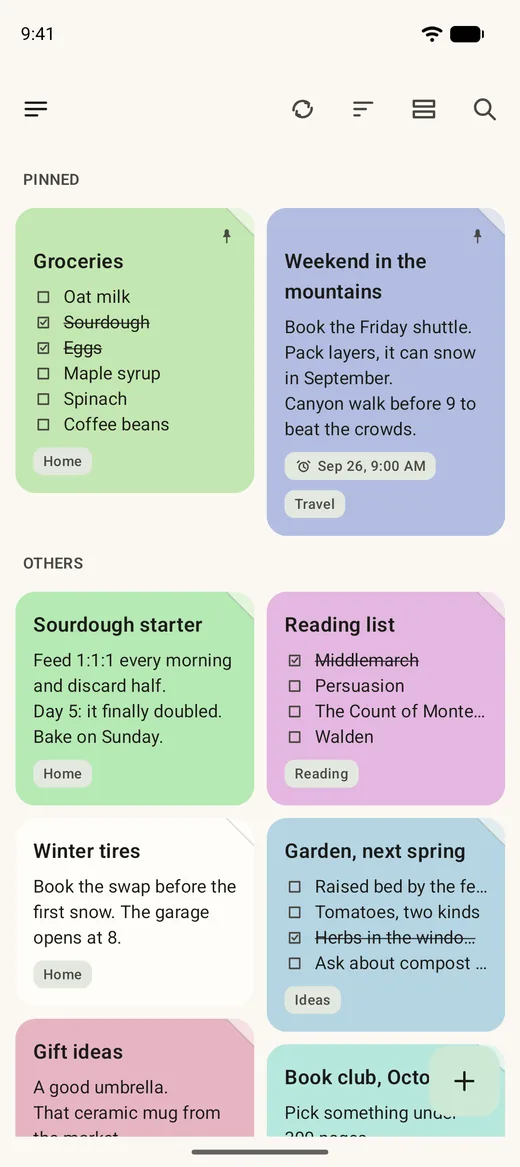
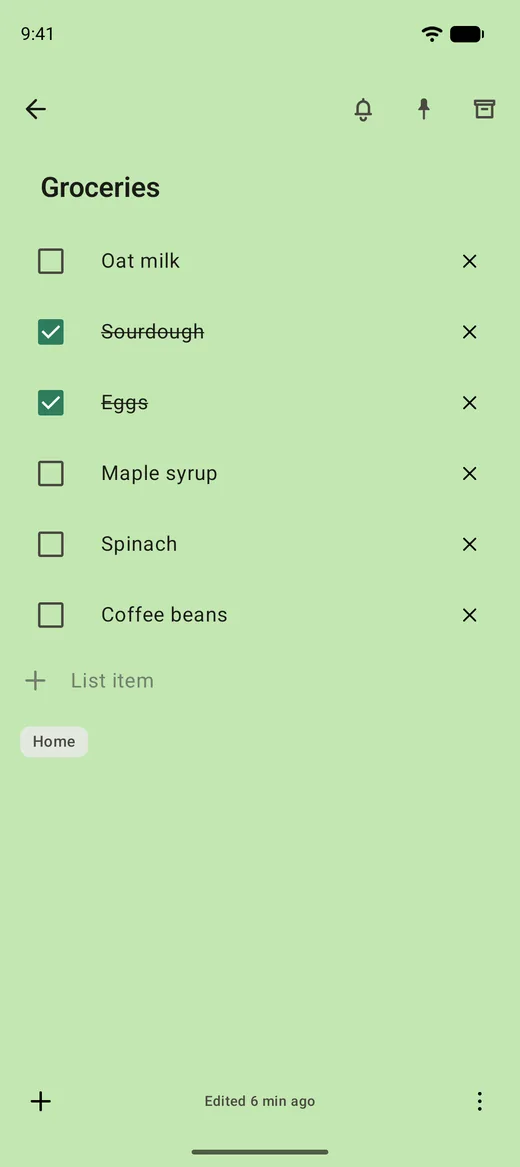
Quick notes, checklists, photos and reminders on a board you can actually read. Foliover was built for people leaving a big notes service and tired of the deal it came with. Everything is stored as plain files on your device, it imports what you already wrote, and when you want it on two machines it syncs through a cloud folder you already pay for rather than a server of ours.

  • Notes, checklists, labels and search
  • Photos and file attachments on any note
  • Reminders with real notifications
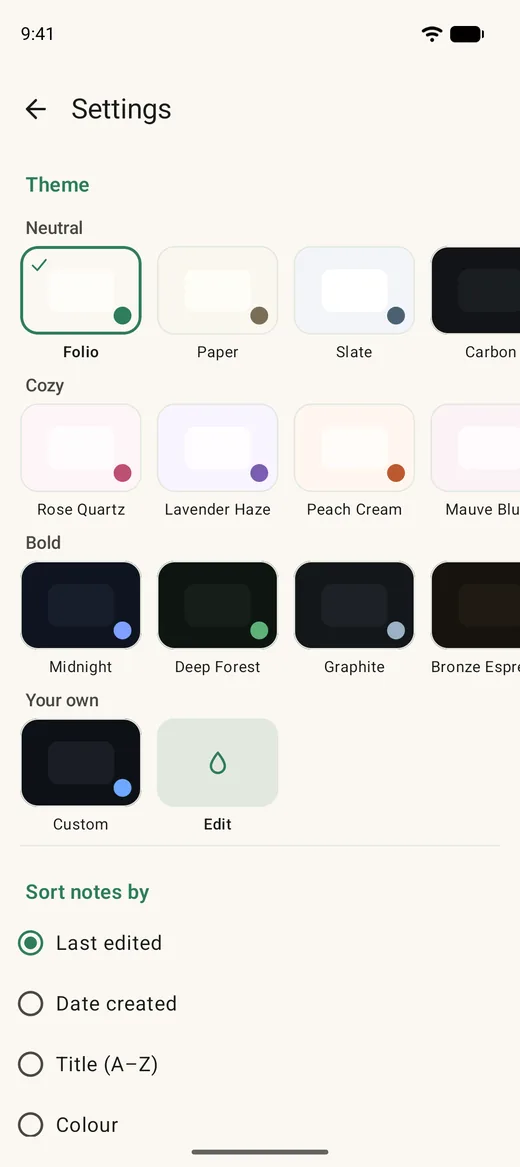
  • Fifteen themes plus a custom colour wheel
  • Pinned section, grid or list, your choice
  • Import from Google Keep and Standard Notes
  • Full backup and restore to a single zip
  • Folder sync through pCloud, Proton, Drive and others
Android Windows Free tier, no account
Dayloom app icon

Dayloom

In development

A journal and a day, woven together

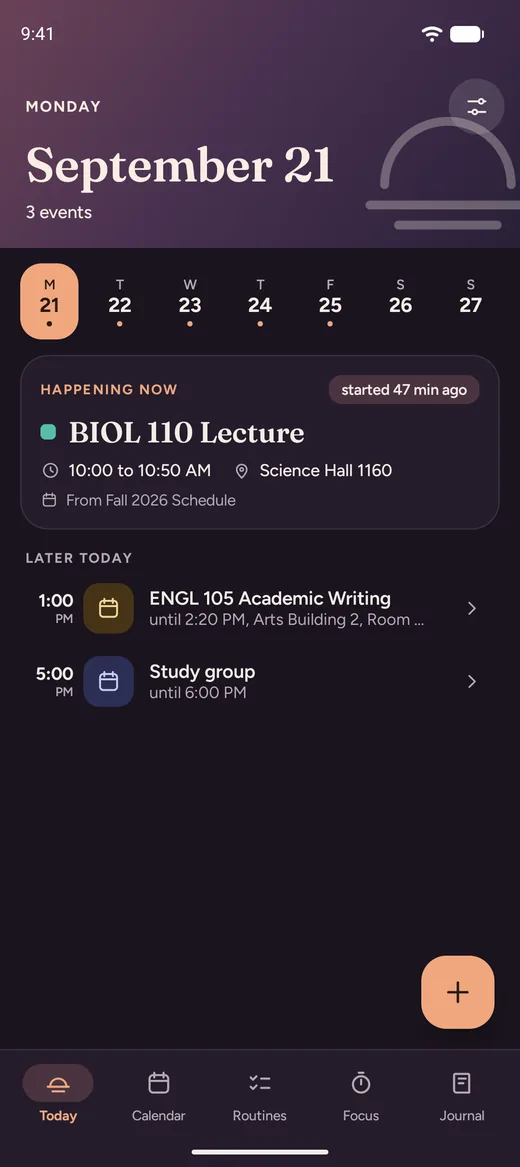
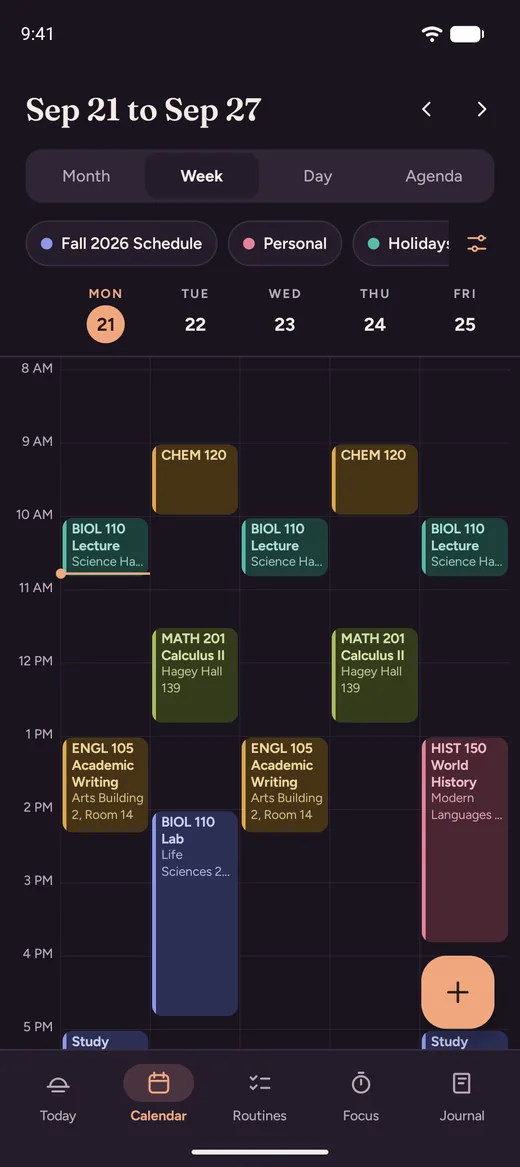
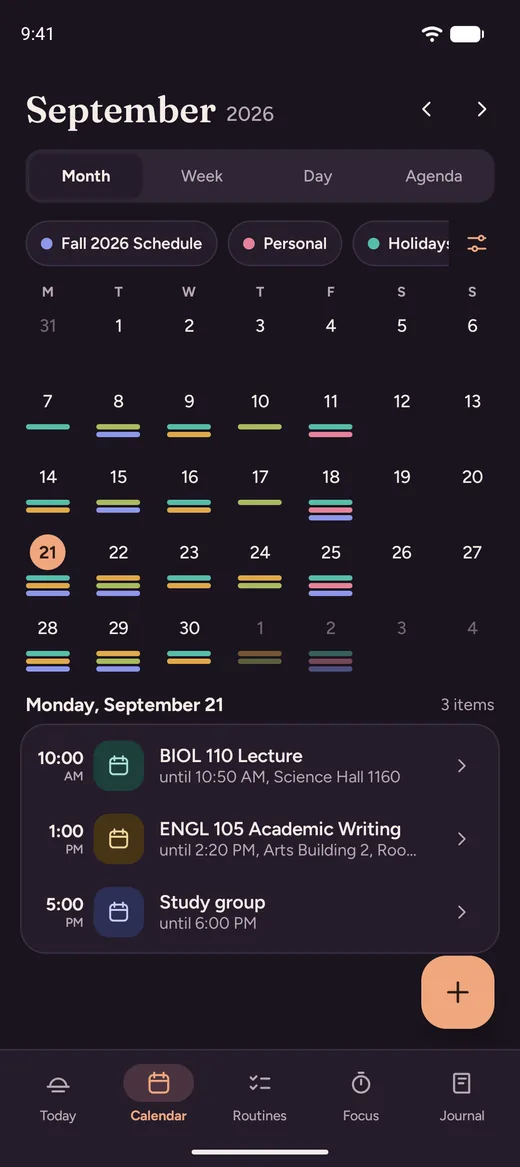
Most planners want you to run your life their way. Dayloom just holds the day: what is happening, what you meant to do, and what you want to remember about it afterwards. A today view, a schedule, the small routines that keep a week upright, and a journal that sits beside them instead of in a separate app.

  • Today view with everything in one place
  • Journal entries kept by date
  • Schedule and reminders with real alarms
  • Routines and timers for repeating habits
  • Your own categories and colours
  • Backup and restore built in
Android Everything stored on device
Folden app icon

Folden

In development

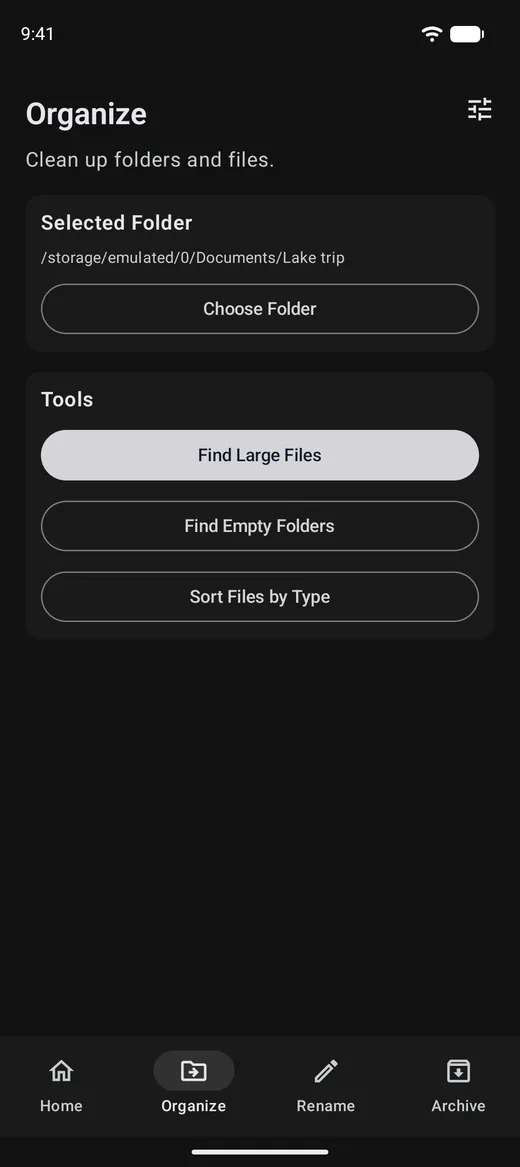
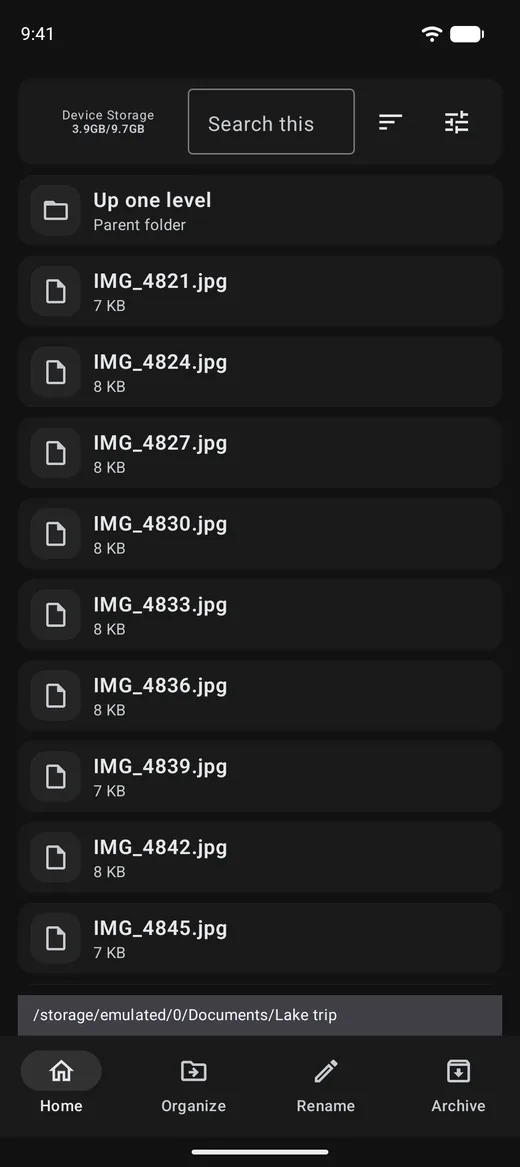
Bulk renaming and archiving, on the phone

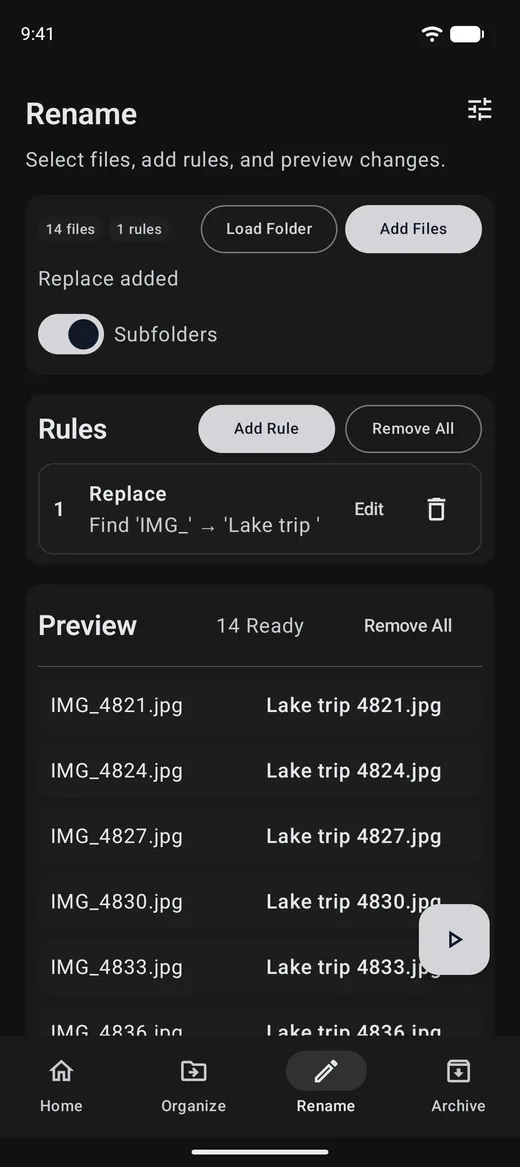
The jobs you would normally wait to do on a computer. Folden renames hundreds of files at once with rules you can preview before anything changes, packs folders into archives, and clears out the empty directories that pile up behind a download folder. Nothing is uploaded anywhere. It is your storage, working the way it should have all along.

  • Bulk rename with stacked, previewable rules
  • Numbering, case changes, insert and delete text
  • See every before and after name before you commit
  • Compress to archives with format options
  • Find and remove empty folders
  • Pick your start folder and output folder
Android Works entirely offline
How we charge

Free is a product, not a trial

We would rather you use the free version forever than feel tricked into paying. Here is the line we draw, in every app we make.

Always free

Everything the app is for. Reading, writing, organising, themes, search, import, export, backup and offline use. No time limit, no nag screens, no account.

Paid, if you want it

The parts with a running cost behind them, mainly cloud sign-ins and syncing between several of your own devices. Small yearly amounts, cancellable, and the free tier keeps working if you stop.

Prices are shown inside each app and on its own site before you are asked for anything.

Want to know when one ships?

There is no mailing list to join. Send a note and say which app you are waiting on, and you will hear from us when it lands.